

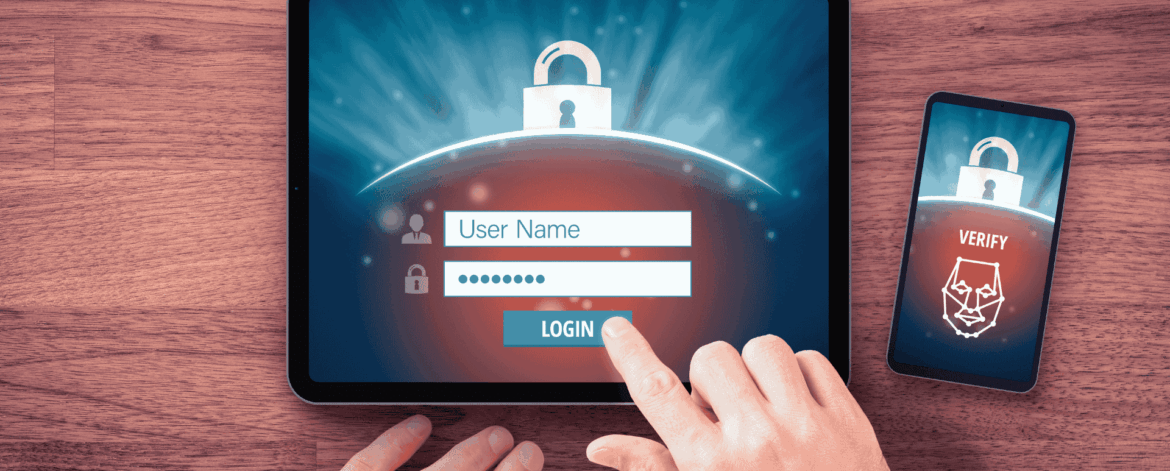
Multi-factor authentication for home-based care agencies is one of the single most effective defenses against cyberattacks. Because most breaches start with a stolen password, requiring a second verification step blocks the vast majority of account takeovers. This FAQ answers the most common questions agencies ask about putting MFA to work.
1. What is Multi-Factor Authentication (MFA)?
Multi-Factor Authentication is a security method that requires users to verify their identity using more than just a password. In addition to entering login credentials, users must complete another verification step such as entering a code from an authenticator app, confirming a push notification, or using a hardware security key. This added layer helps ensure that only authorized individuals can access business systems and sensitive information.
2. Why is Multi-Factor Authentication important for home-based care companies?
Home-based care organizations rely on digital systems to manage patient records, schedules, communications, and billing. Because employees often access these systems from multiple locations and devices, login security becomes a critical part of protecting sensitive patient data. MFA helps reduce the risk of unauthorized access by adding an additional verification step beyond a password.
3. How does MFA improve cybersecurity for healthcare organizations?
Many cyberattacks begin with stolen or guessed passwords. MFA significantly reduces this risk because attackers would also need access to the second authentication factor. Even if login credentials are compromised through phishing or credential theft, MFA can block unauthorized access and protect healthcare systems from account takeover.
4. Is Multi-Factor Authentication required for HIPAA compliance?
While earlier HIPAA rules focused broadly on access controls and authentication, newer cybersecurity guidance increasingly emphasizes stronger identity verification methods. Many healthcare security experts expect MFA to become a standard requirement for systems that access electronic protected health information. Implementing MFA now helps organizations strengthen their compliance posture and prepare for evolving regulatory expectations.
5. Which systems should have Multi-Factor Authentication enabled?
Home-based care organizations should prioritize MFA for all business critical systems and any platform that stores or processes sensitive data. This typically includes electronic health record systems, scheduling platforms, email accounts, cloud storage applications, remote access tools, and internal business systems used by staff.
6. What types of MFA methods are commonly used?
Several authentication methods can be used as the second verification factor. Common options include one time codes sent through SMS, authenticator applications that generate time based codes, push notifications on mobile devices, hardware security keys, and newer passkey technology. Many organizations use authenticator apps or push notifications because they provide a balance of strong security and user convenience.
7. What challenges do home-based care companies face when implementing MFA?
Because employees often work remotely and access systems from multiple devices, implementing MFA across all accounts can be complex. Some organizations struggle to identify every system that requires protection or to ensure that MFA remains enabled for all employees. Without centralized oversight, it is possible for some accounts to remain unprotected.
8. How can organizations track MFA compliance among employees?
Many organizations create an internal tracking system that lists all employees, the systems they access, and whether MFA is enabled for each account. This type of tracking spreadsheet helps leadership confirm that all critical systems are protected and allows the organization to periodically review compliance across the workforce.
9. Can MFA be enforced across multiple systems automatically?
Yes. Many modern security tools and identity management platforms allow organizations to enforce MFA policies across integrated applications. These tools can require MFA for specific systems, automatically prompt verification when users log in, and ensure that employees cannot bypass authentication requirements.
10. How can a managed IT provider help implement Multi-Factor Authentication?
A managed IT provider can help identify all systems that store or access sensitive data, evaluate which platforms support MFA, and configure authentication policies across the organization. Providers can also monitor MFA compliance, conduct regular security reviews, and educate employees on secure login practices. This centralized approach helps ensure that MFA is consistently enforced across all critical systems.
Need Help Rolling Out MFA Across Your Organization?
Multi-factor authentication for home-based care agencies is one of the highest-impact, lowest-cost security upgrades you can make—but only if it’s enabled consistently across every system that touches patient data.
At IT Total Care, we help home care, home health, and home hospice agencies across the San Francisco Bay Area identify every system that needs protection, configure MFA policies, and monitor compliance so no account slips through the cracks. Contact our team to strengthen your agency’s login security.